Skip to content
Live
v1 prototype

Animatronic eyes that look around and blink

A pair of robot eyes that look left, right, up and down and blink every few seconds, with quick darting moves like real eyes. Three small servo motors, one ESP32 board and five 3D printed parts.

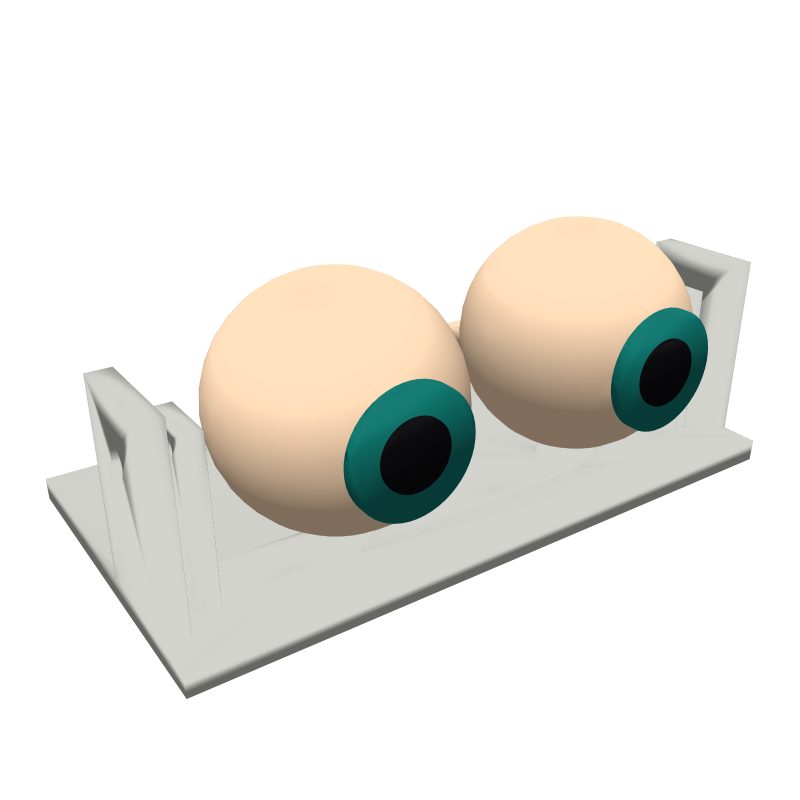
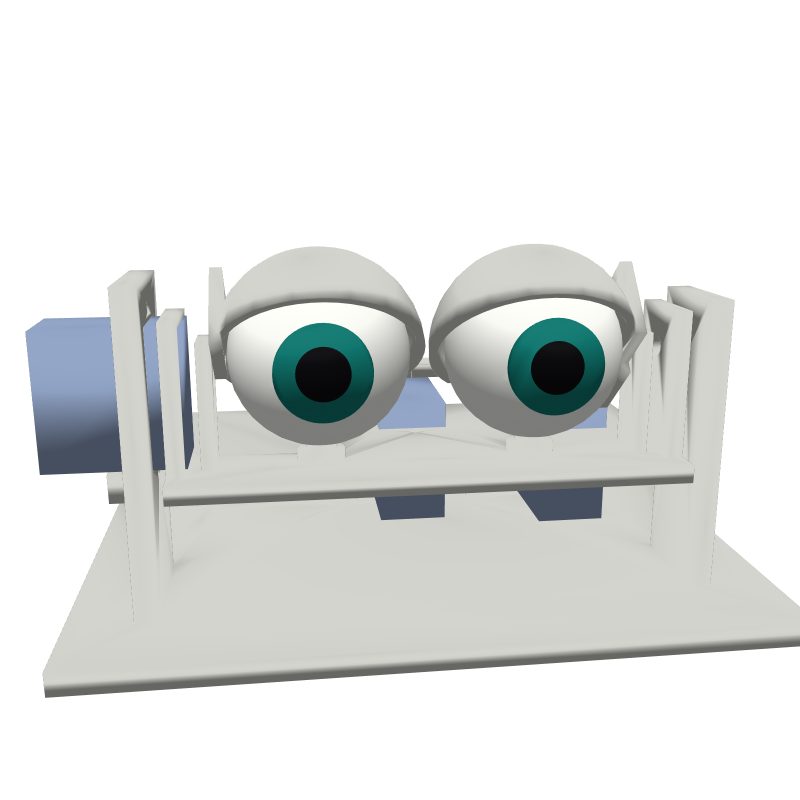
3D render of the animatronic eyes
3D render of version 1. Real build photos come from the first builds.
Servos3
PrintingAbout 6 to 8 hours (estimate)
BuildAbout 1 to 2 hours (estimate)
Honest status

Version 1 is a first prototype: designed and checked on screen, not printed and tested yet. Expect small fixes such as a hole that is a bit tight. The first build photos will shape version 2.

Every part, one cart

Prices checked 2026-10-19. Packs come with spares, so the parts you actually use cost less. We may earn a commission.

Add all 7 parts to my Amazon cart

You also need: About 60 g of PLA or PETG filament. A 3D printer, or an online print service. A USB-C cable for uploading the program.

Free build tool

Build it step by step on your phone

16 steps, one at a time, with a drawing and a check after each one. Stuck? Show the AI coach a photo.

Start building →

All 16 steps

Part 1: Print and prepare

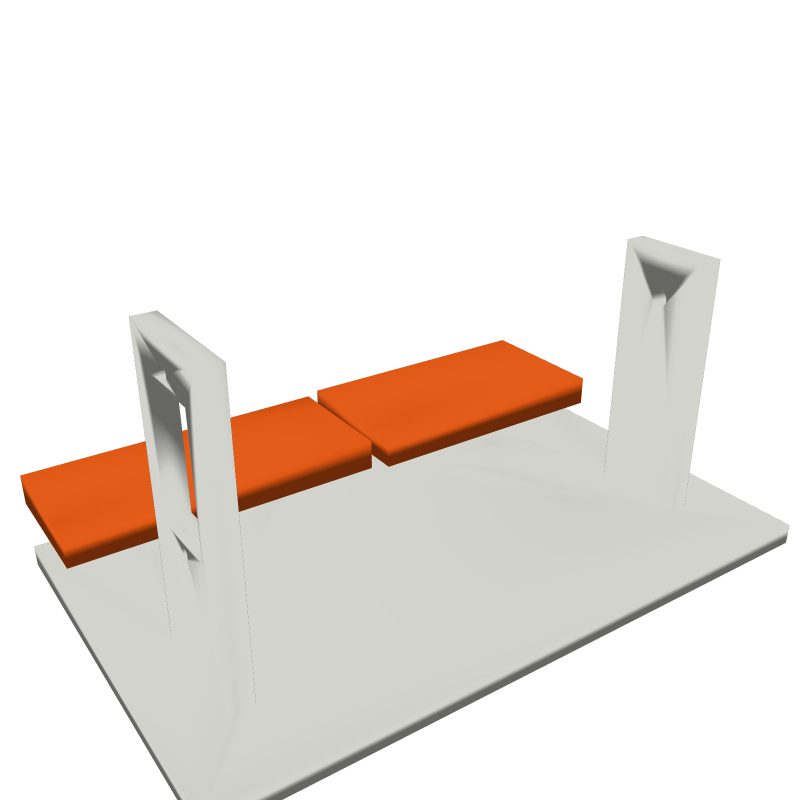
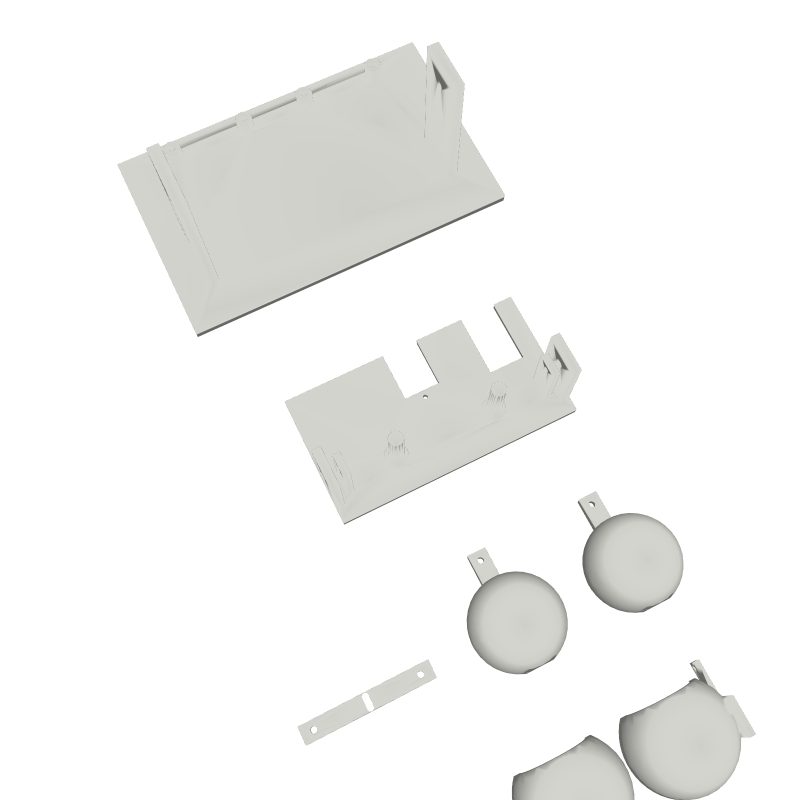
Step 1: All six printed parts laid flat on a table.
Step 1 of 16

Print the five parts

Print base, cradle, lids and tie bar once and the eyeball twice, from the free files. Use 0.2 mm layers, 3 walls and 20% infill. Turn supports on for the eyeballs and the lids.

Free print filesAbout 60 g of PLA or PETG

Tip: Print the eyeballs with the pupil facing up so the front stays smooth.

Check: 6 printed parts on the table. Both eyeballs round and smooth on the front.

Common mistake: Printing the eyeballs without supports. The bottom sags and the post will not fit.
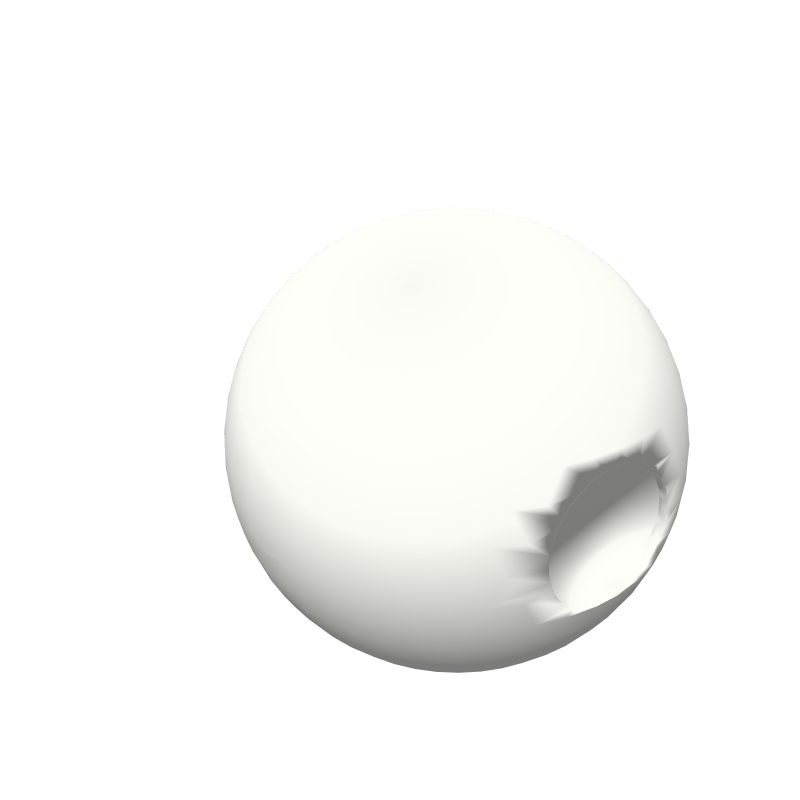
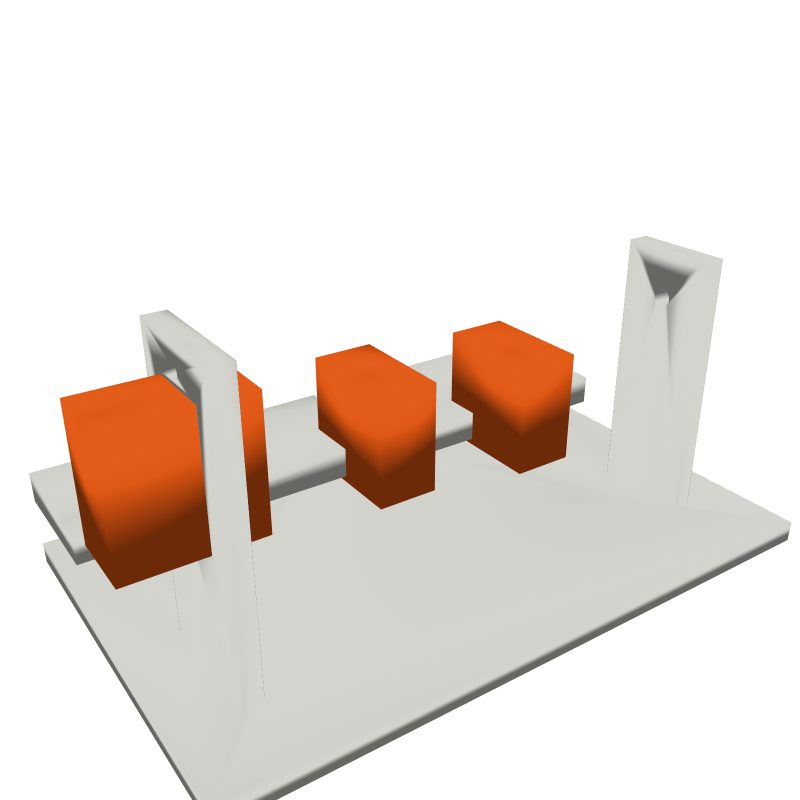
Step 2: One printed eyeball seen from below, showing the hole for the post.
Step 2 of 16

Clean the prints and test the posts

Pull off all supports. Slide each eyeball onto a post of the cradle. It should turn freely with a light push. If it is tight, twist a 6 mm drill bit by hand in the hole under the eye.

Check: Each eye turns on its post with one finger. No support bits left in the hole.

Common mistake: Forcing a tight eye onto the post. The post can snap.

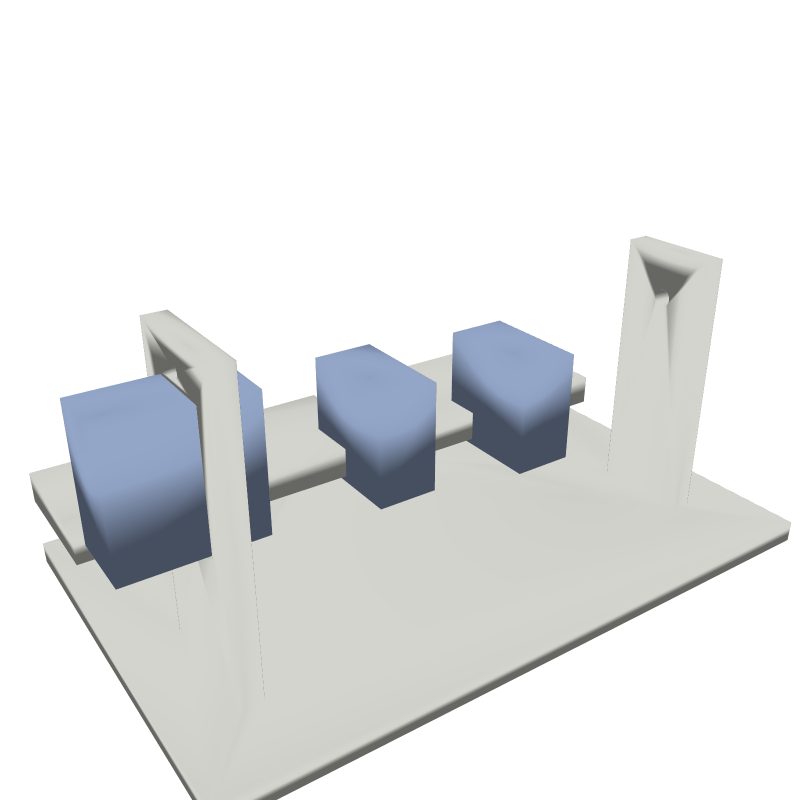
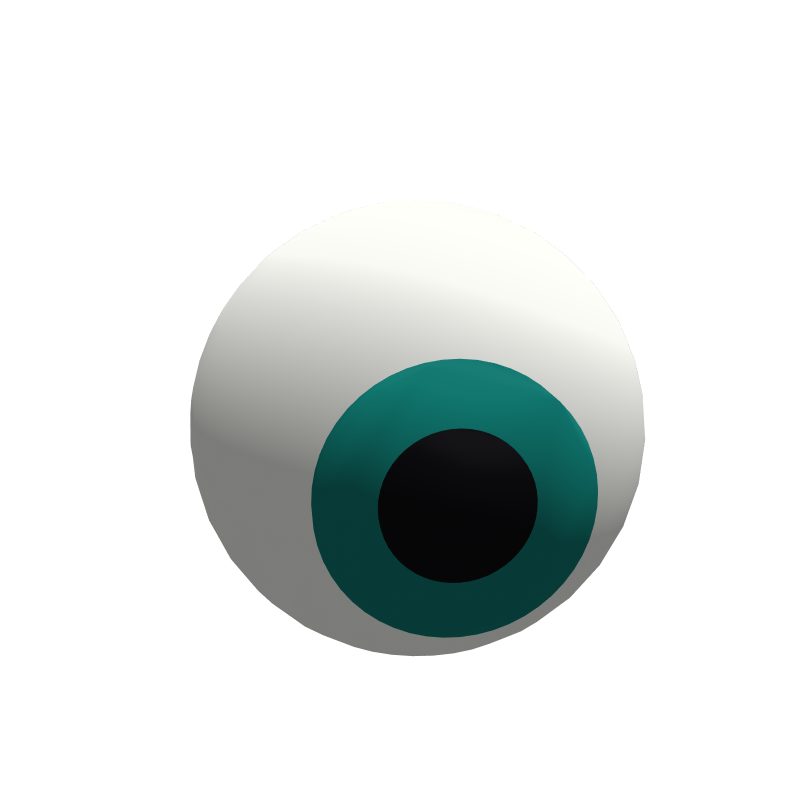
Step 3: One eye from the front with a teal iris and black pupil.
Step 3 of 16

Paint the eyes

Paint the ring on the front of each eye in your iris color, then the small center circle black. Let it dry for 20 minutes.

Paint or paint pens

Tip: A paint pen is easier than a brush for the black pupil.

Check: A colored iris and a black pupil on each eye.

Common mistake: Painting before testing the fit. Sanding a painted eye ruins the paint.

Part 2: Electronics

Step 4: The two boards on the base, highlighted.
Step 4 of 16

Wire the ESP32 to the servo board

Connect 4 jumper wires from the ESP32 to the PCA9685: 3.3V to VCC, GND to GND, pin 21 to SDA, pin 22 to SCL.

ESP32 boardPCA9685 board4 jumper wires

Tip: Use the same wire colors every time: red for power, black for ground.

Check: 4 wires between the two boards. Pin 21 goes to SDA, pin 22 to SCL.

Common mistake: Swapping SDA and SCL. Nothing moves and there is no error.

Step 5: Three servos highlighted next to the boards.
Step 5 of 16

Plug in the three servos

Plug the servos into the PCA9685: pan on channel 0, tilt on channel 1, blink on channel 2. The brown wire goes to the edge marked GND. Screw the 5V adapter's wires into the V+ and GND terminal.

3 MG90S servos5V 3A adapter

Check: 3 servos on channels 0, 1 and 2. Brown wires all on the GND side.

Common mistake: Plugging a servo in backwards. It will not move, and it can get hot.

Step 6: Boards and servos, all in grey.
Step 6 of 16

Upload the program and center the servos

Install the Arduino app and the Adafruit PWM Servo Driver library. Open animatronic_eyes.ino from the files, connect the ESP32 by USB-C and press Upload. Plug in the 5V adapter. Every servo moves to its middle position.

USB-C cableanimatronic_eyes.ino

Tip: Unplug the 5V adapter again before the next step. You will turn it back on at the end.

Check: Serial monitor says: Eyes ready. All 3 servos turned to their middle.

Common mistake: Fitting servo horns before this step. The eyes end up pointing to one side.

Part 3: The moving eyes

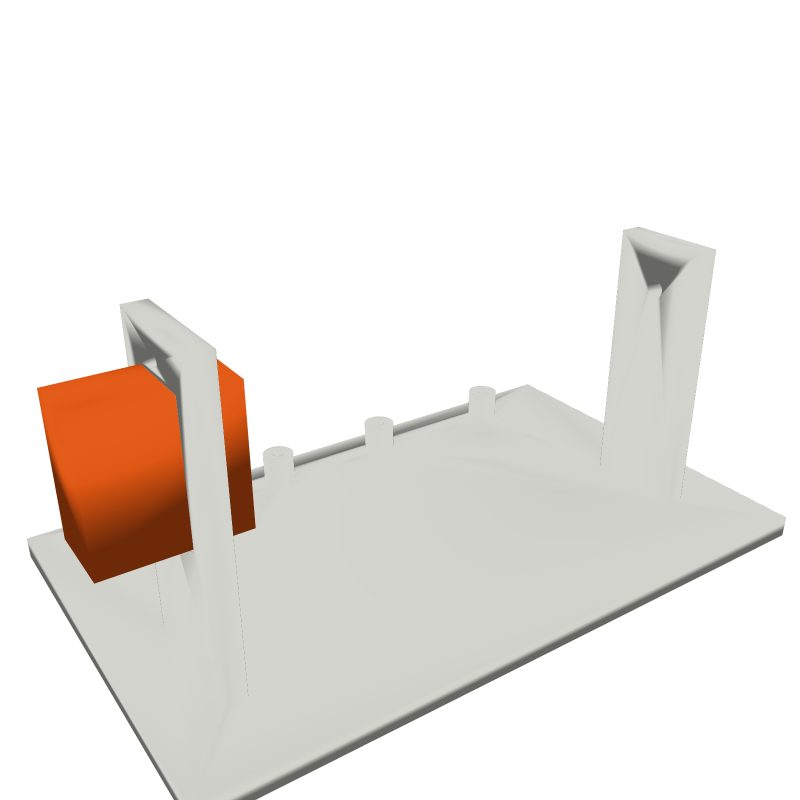
Step 7: The cradle from behind with the pan servo highlighted.
Step 7 of 16

Mount the pan servo under the cradle

Push the pan servo up into the slot behind the posts, shaft up, from under the cradle. Fix it with its 2 small screws.

Pan servo2 servo screws

Check: The servo shaft sticks up behind the eyes. The servo does not wobble.

Common mistake: Turning the shaft by hand. It is centered now, keep it that way.

Step 8: Both eyes on the cradle, highlighted.
Step 8 of 16

Put the eyes on the posts

Slide both eyes onto the posts with the lever pointing back. Turn them so they look straight ahead.

2 eyeballs

Check: Both eyes look straight forward. Both levers point back.

Common mistake: Putting an eye on with the lever to the front. It cannot connect to the tie bar.

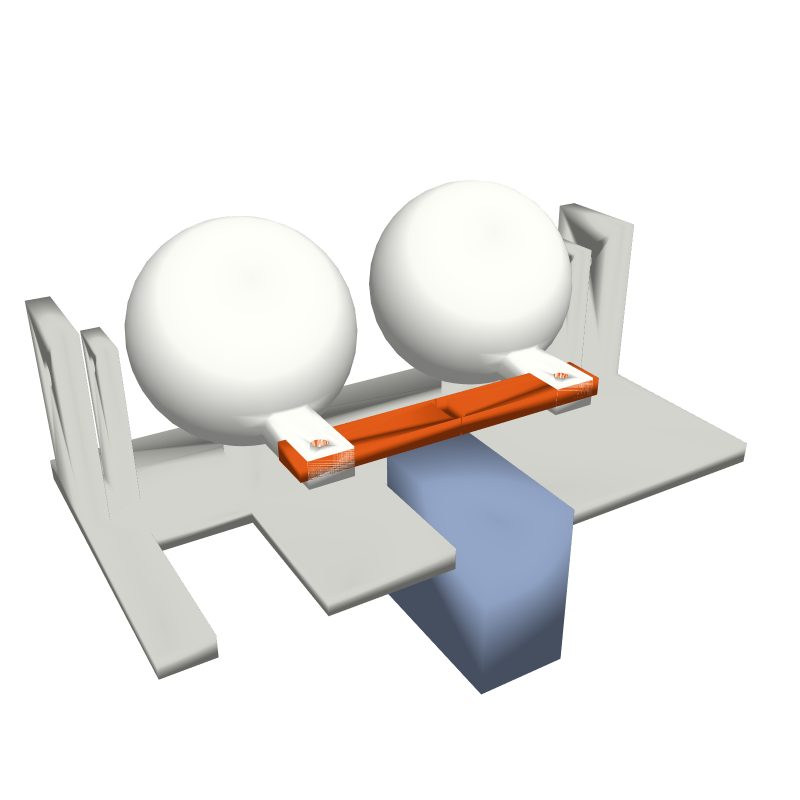
Step 9: The tie bar highlighted, joining both eye levers.
Step 9 of 16

Join the eyes with the tie bar

Lay the tie bar on both eye levers so the holes line up. Fix each end with an M2 screw, snug but not tight.

Tie bar2 M2 x 8 screws

Check: Turn one eye and the other turns with it.

Common mistake: Tightening the M2 screws hard. The eyes stop moving smoothly.

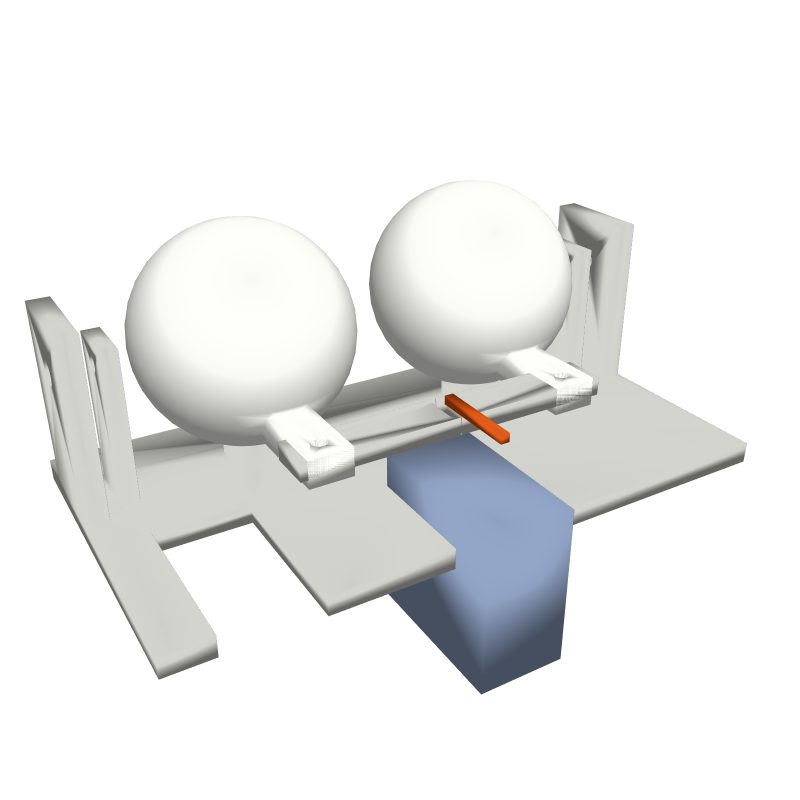
Step 10: The thin wire link highlighted between servo and tie bar.
Step 10 of 16

Link the pan servo to the tie bar

Put a servo horn on the pan servo pointing forward. Bend a short piece of 1 mm wire with a Z at each end and hook it between the horn and the slot in the middle of the tie bar.

1 mm wireServo hornPliers

Tip: Bend the wire a little longer first, then shorten it until the eyes look straight ahead.

Check: Eyes look straight ahead with the servo centered. The wire does not rub on anything.

Common mistake: A link that is too short. The eyes squint to one side.

Part 4: Lids and tilt

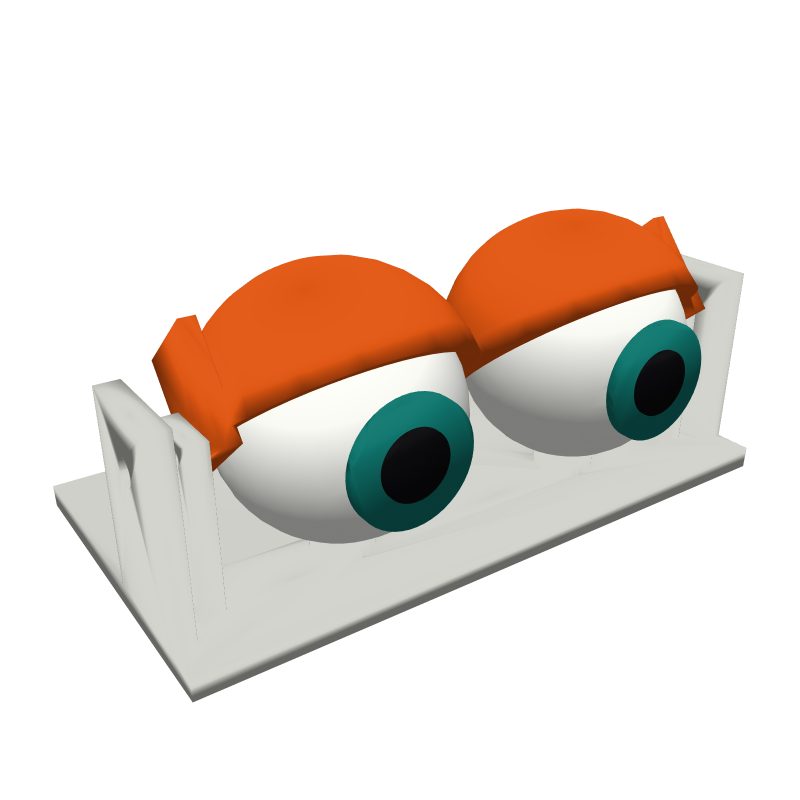
Step 11: The lids highlighted above the eyes.
Step 11 of 16

Fit the lids

Spread the lid arms gently and fit them over the two lid brackets of the cradle. Push an M2 screw through each side so the lids swing over the eyes.

Lids2 M2 screws

Check: The lids swing freely. They clear the eyes when they move.

Common mistake: Lids that rub on the eyes. Loosen the side screws a quarter turn.

Step 12: The blink servo and its link highlighted.
Step 12 of 16

Mount the blink servo and link the lids

Fix the blink servo in the front left slot with its 2 screws. Fit a horn, then bend a wire link from the horn to the small hole in the lid lever.

Blink servo1 mm wireServo horn

Check: Lids open with the servo centered.

Common mistake: Linking the lids when they are closed. They will never open fully.

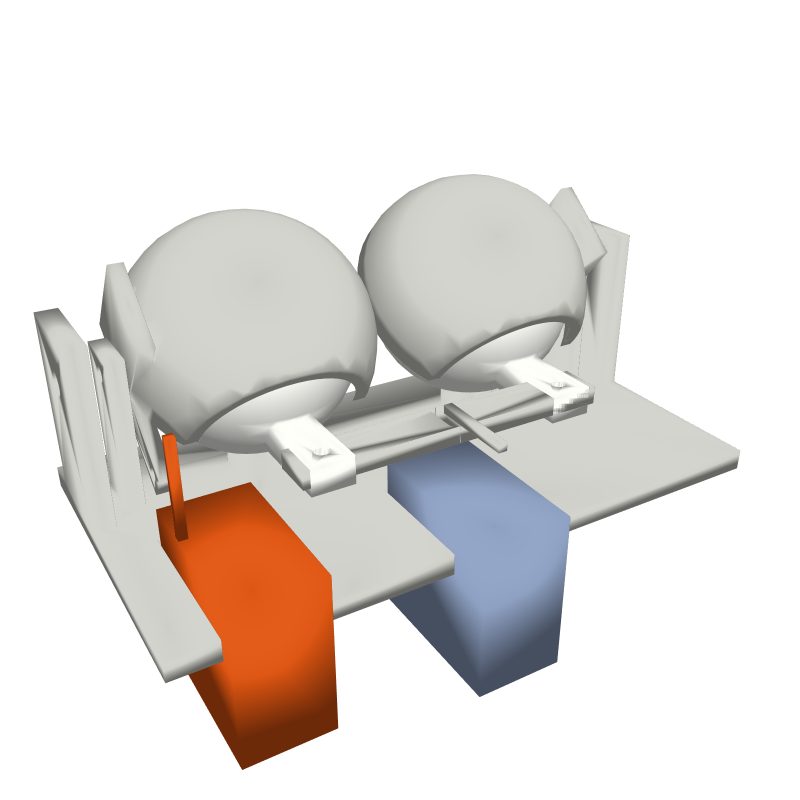
Step 13: The base with the tilt servo highlighted in the right tower.
Step 13 of 16

Mount the tilt servo in the base

Push the tilt servo into the window of the right tower from the outside, shaft facing in, and fix it with its 2 screws. Fit a round horn.

Tilt servoRound servo horn

Check: The shaft points inward at the top hole height.

Common mistake: Shaft facing out. The cradle cannot connect to it.

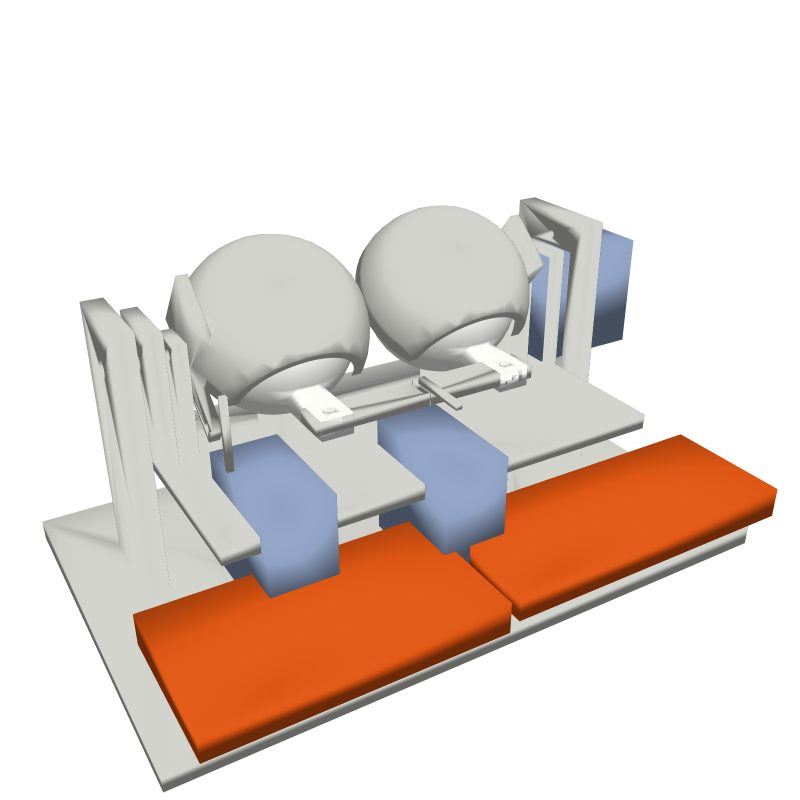
Step 14: The full eye cradle highlighted, hanging between the towers.
Step 14 of 16

Hang the cradle between the towers

Screw the right cradle arm to the round horn. Push an M3 screw through the left tower into the left cradle arm and add a nut. The whole eye cradle should rock up and down.

M3 x 16 screwM3 nutHorn screws

Check: The cradle rocks smoothly. The eyes look straight ahead and level.

Common mistake: Tightening the M3 pivot hard. The tilt servo struggles and buzzes.

Part 5: Bring it to life

Step 15: Both boards highlighted on the back standoffs.
Step 15 of 16

Mount the boards

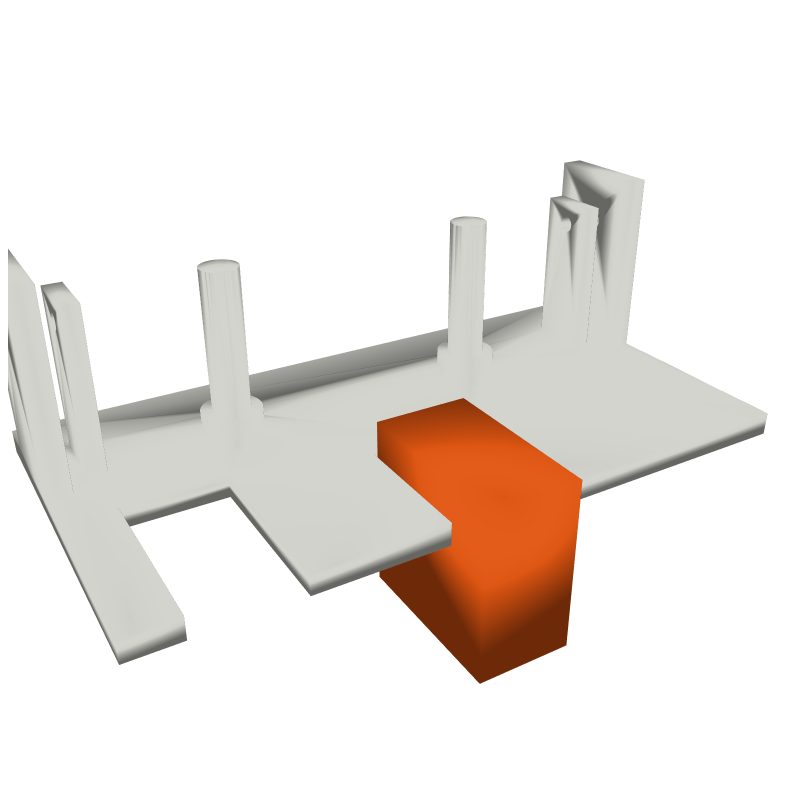
Screw the ESP32 and the PCA9685 onto the four standoffs at the back. Tidy the wires so nothing touches the moving parts.

ESP32PCA96854 M2 screws

Check: Boards fixed at the back. No wire near the eyes or the lids.

Common mistake: A wire under the cradle. It jams the tilt.

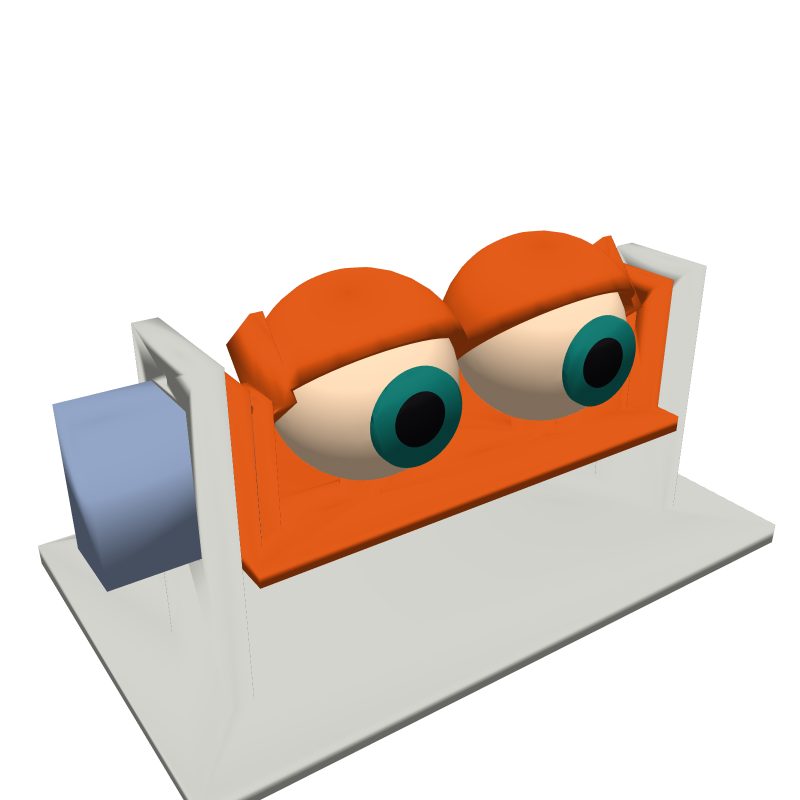
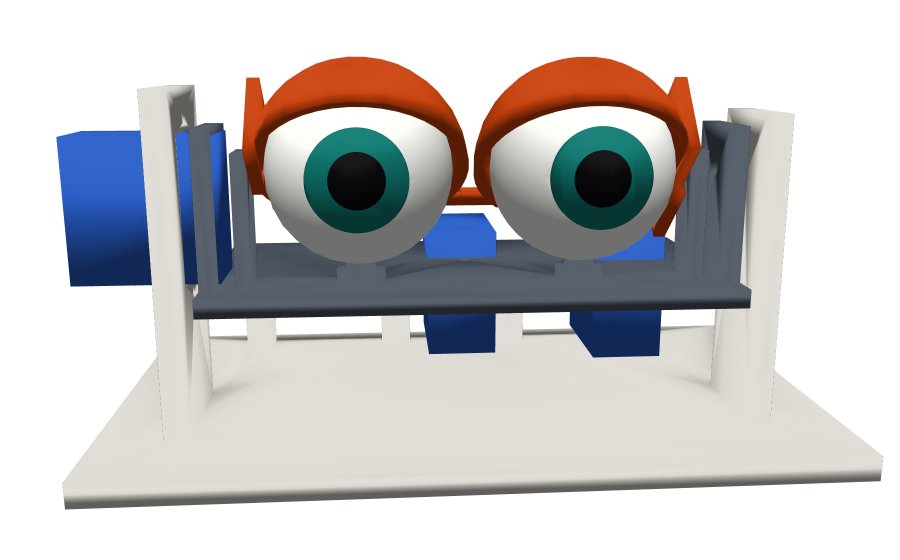
Step 16: The finished eyes from the front.
Step 16 of 16

Power on and tune it

Plug in the 5V adapter. Watch the eyes for a minute. If anything hits a stop, change PAN_MIN, PAN_MAX, TILT_MIN, TILT_MAX, LID_OPEN or LID_CLOSED at the top of the program and upload again.

Tip: Smaller ranges look more natural. Real eyes rarely move to the edges.

Check: The eyes look around on their own. They blink every few seconds. No buzzing at the ends of a move.

Common mistake: Leaving a servo buzzing at a stop. It overheats. Shrink that range.

Drawings are made from the real 3D files. The new part in each step is orange.

Free print files and program

Five STL files, the program for the ESP32, and a README with wiring and assembly notes.

Download the files (zip)

FilePrintNotes
base.stl1Flat side down
cradle.stl1Flat side down
eyeball.stl2Pupil facing up, supports on
lids.stl1Supports on
tie_bar.stl1Flat

Version 2 adds a small camera so the eyes follow the nearest face.

Builds of this project

No builds yet. Be the first: build it and share a photo.

Share your build