Step 46 of 49
Get the app
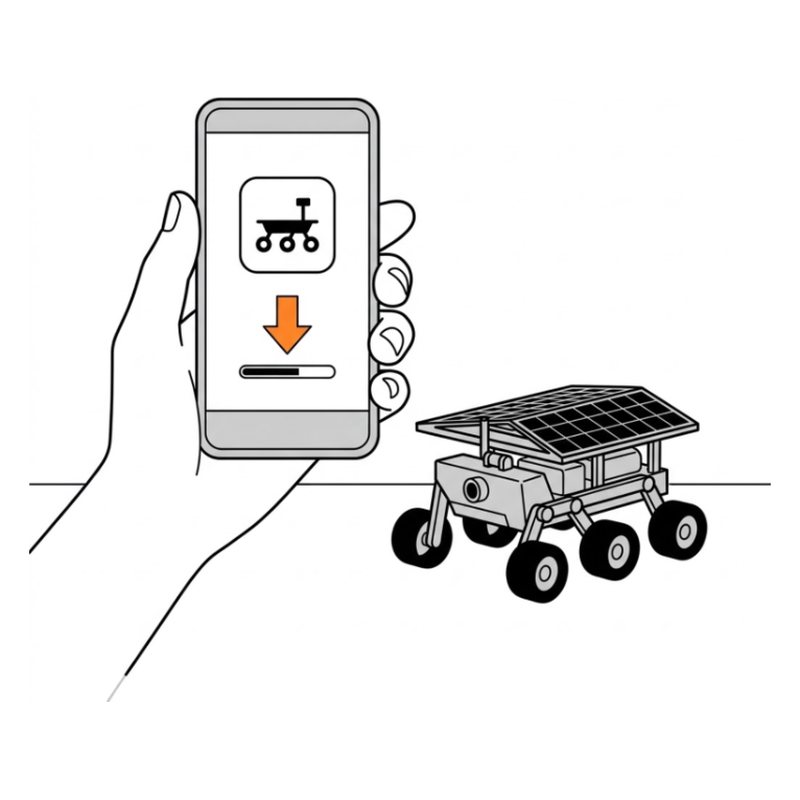
On your phone, install RoboPilot from the App Store or Google Play. Older kits use SunFounder Controller, which works the same way.
Check: The app is installed.
Researched by Riley Hart · based on SunFounder GalaxyRVR build guide and docs · we may earn a commission
Custom code uploaded to the board replaced the rover's own program, or the camera board firmware is old. Start with this: Slide the mode switch to the left (Run) and press Reset.
Custom code uploaded to the board replaced the rover's own program, or the camera board firmware is old.
On your phone, install RoboPilot from the App Store or Google Play. Older kits use SunFounder Controller, which works the same way.
Check: The app is installed.
Open step 46 in the free build tool, tap Stuck and take a photo. The coach checks it against that exact step and tells you what to change. 3 free questions per kit.
Drawings by robotsforthat. SunFounder GalaxyRVR is a trademark of SunFounder. We are not affiliated with SunFounder.