eufy RoboVac Error 14: Dust bin or filter missing, and the fix
Works for eufy RoboVac and eufy Clean robot vacuums.
What it means: The dust bin or filter is not fitted. The robot says: Please insert dustbin and filter.
Quick fix: Fit the filter correctly in the dust bin.
Not fixed after the steps? Find a technician →
Fix it in 3 steps
- Fit the filter correctly in the dust bin.A badly fitted filter can let dust reach the fan.Done?
- Put the dust bin back in the robot.Done?
- Start cleaning.Did it work?
Fixed when: The robot cleans without the alert.
Great, it is fixed. Bookmark this page in case it comes back.
Tell us your ZIP code. We look for a repair shop near you that fixes eufy robots and email you a quote. Free to ask, most repairs cost $129 to $169.
Brand, robot and problem are filled in for you: eufy, Dust bin or filter missing.
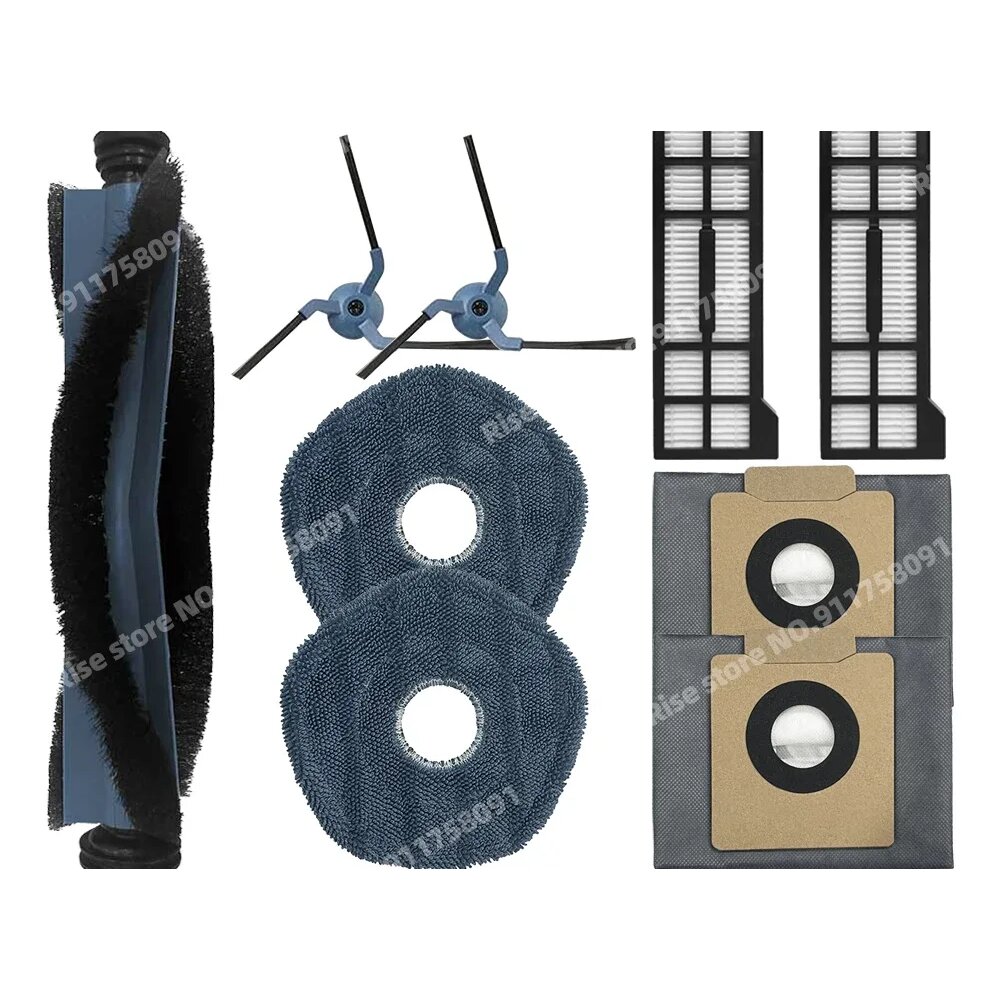
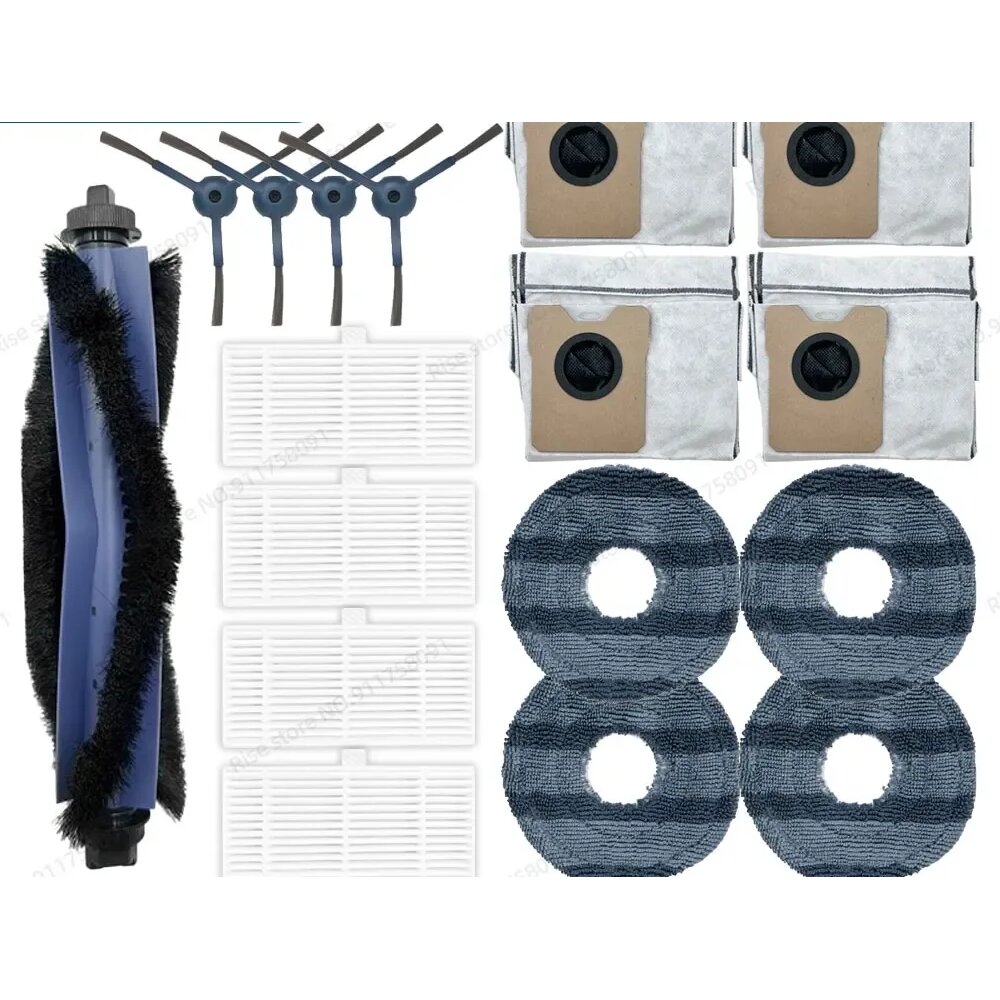 New brushes, filters, mop pads and bags for your eufy Omni C201 roller brush, 4 side brushes, 4 filters · Free US shipping$37.99 →
Still showing Dust bin or filter missing?
The error keeps coming back after these steps and a restart. Contact eufy support with a video or photos of the error and your proof of purchase. Contact eufy support at +1 (800) 994-3056. eufy support →
Why it happens
- Dust bin removed or not fully seated
- Filter missing or badly fitted