Ecovacs Deebot "Main brush not turning": what it means and the fix
Works for Ecovacs Deebot robot vacuums set up in the ECOVACS HOME app.
What it means: The main brush has stopped turning. Usually debris is wrapped around it. The brush also slows on purpose when the battery is low and the robot heads home.
Quick fix: If the robot is heading home on low battery, let it charge first.
Not fixed after the steps? Find a technician →
Fix it in 4 steps
- If the robot is heading home on low battery, let it charge first.Done?
- Remove the main brush.Done?
- Clean the hair and debris off the brush.Done?
- Refit the main brush.Did it work?
Fixed when: The main brush turns while the robot cleans.
Great, it is fixed. Bookmark this page in case it comes back.
Tell us your ZIP code. We look for a repair shop near you that fixes Ecovacs robots and email you a quote. Free to ask, most repairs cost $129 to $169.
Brand, robot and problem are filled in for you: Ecovacs, Main brush not turning.
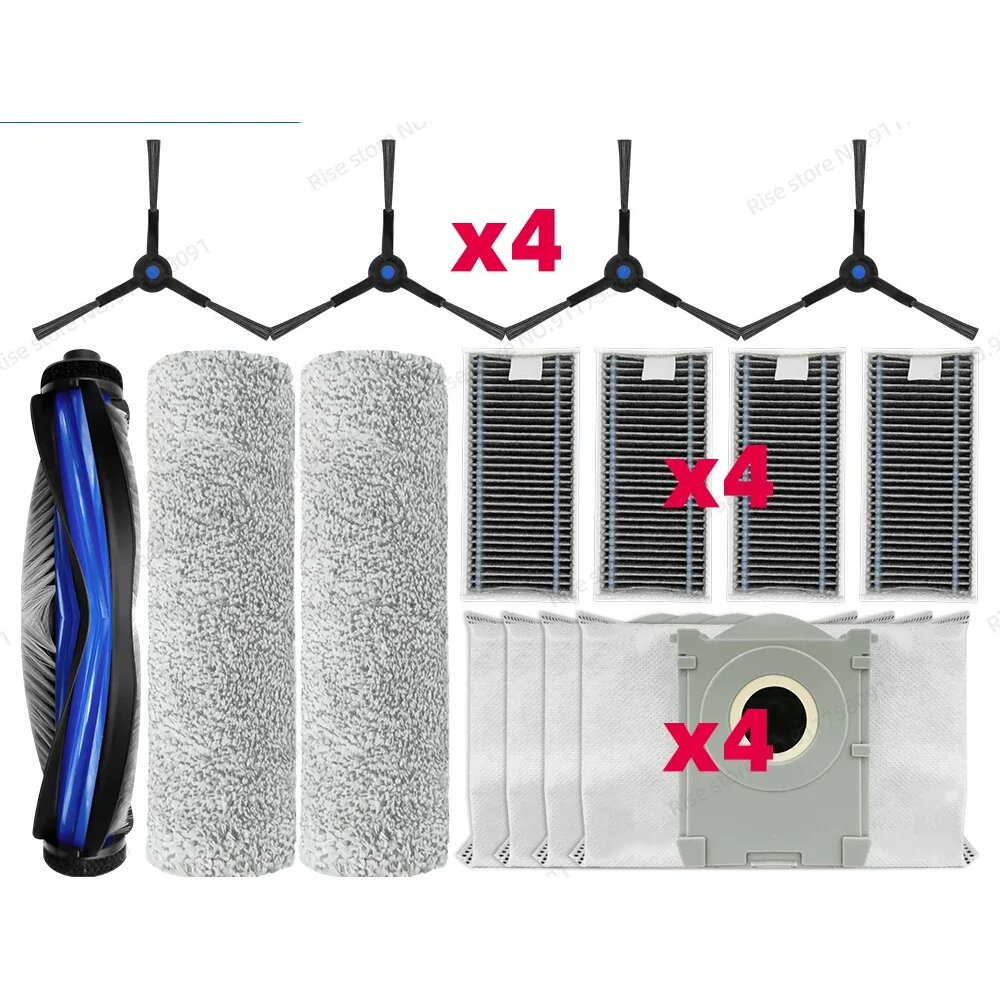 New brushes, roller mops, filters and bags for your Ecovacs Deebot X8 Pro Omni1 main brush, 2 roller mops, 4 side brushes · Free US shipping$41.99 →
Still showing Main brush not turning?
The alert comes back right after a careful clean. The brush may be bent or worn. Contact Ecovacs support. Ecovacs support →
Why it happens
- Hair or debris wrapped around the main brush
- Low battery while the robot returns to charge