● Checked Nov 3, 2026From Ecovacs support
Ecovacs Deebot
Ecovacs Deebot "Side brush slow or not turning": what it means and the fix
Steps3
ToolsNone
PartsMaybe side brush
Works for Ecovacs Deebot robot vacuums set up in the ECOVACS HOME app.
Short answerRed light. On current models such as the T50 OMNI the indicator flashes red and the app shows the alert.
What it means: A side brush spins slowly or not at all.
Quick fix: If the robot is heading home on low battery, let it charge first.
Not fixed after the steps? Find a technician →
Fix it in 3 steps
- If the robot is heading home on low battery, let it charge first.Done?
- Clear the hair and debris from the side brushes.Done?
- Refit the side brushes until they click into place.Did it work?
Fixed when: The side brushes spin at normal speed.
Great, it is fixed. Bookmark this page in case it comes back.
Still broken?Get a technician quote for your Ecovacs
Tell us your ZIP code. We look for a repair shop near you that fixes Ecovacs robots and email you a quote. Free to ask, most repairs cost $129 to $169.
Brand, robot and problem are filled in for you: Ecovacs, Side brush slow or not turning.
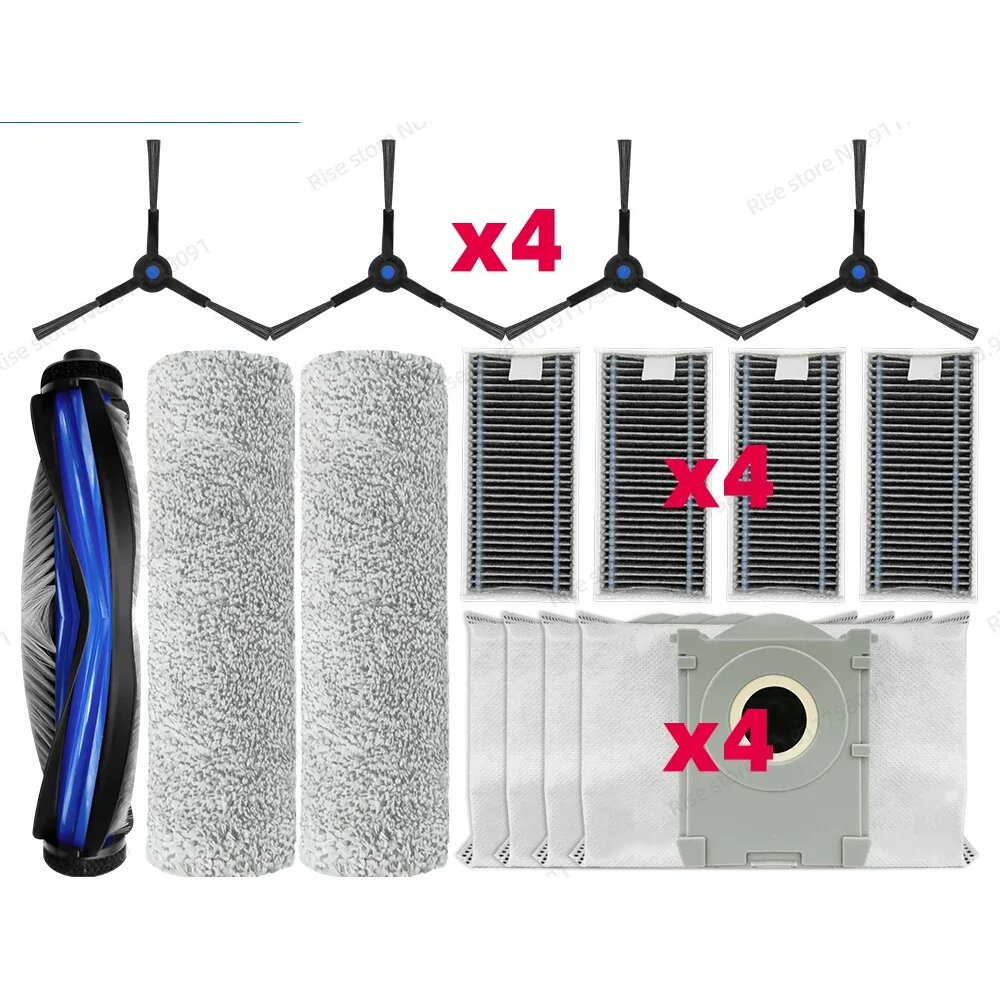 New brushes, roller mops, filters and bags for your Ecovacs Deebot X8 Pro Omni1 main brush, 2 roller mops, 4 side brushes · Free US shipping$41.99 →
Still showing Side brush slow or not turning?
The alert comes back right after a careful clean. The brush may be bent or worn. Contact Ecovacs support. Ecovacs support →
Why it happens
- Tangled debris on the side brush
- Side brush not clicked in
- Low battery while the robot returns to charge